
Step 1
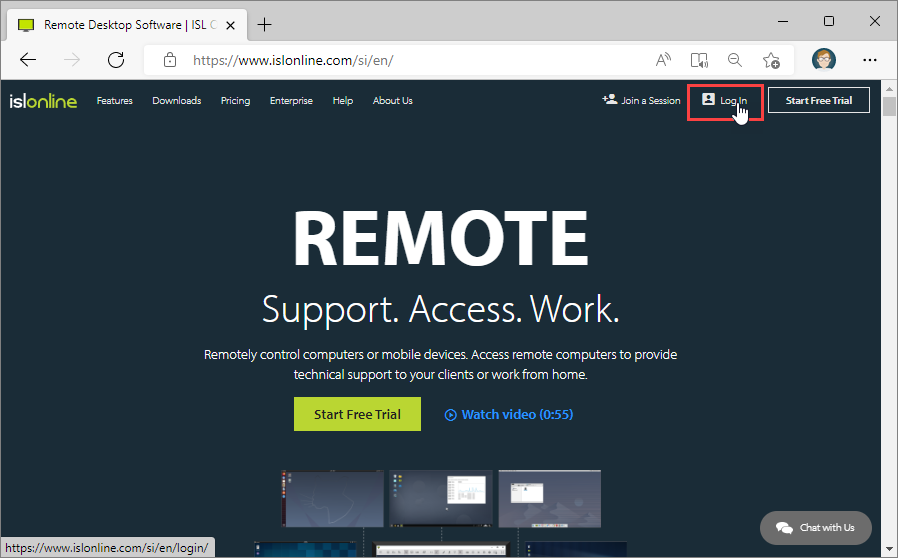
Click on the "Log In" button at the top right side of the ISL Online webpage.
Step 2
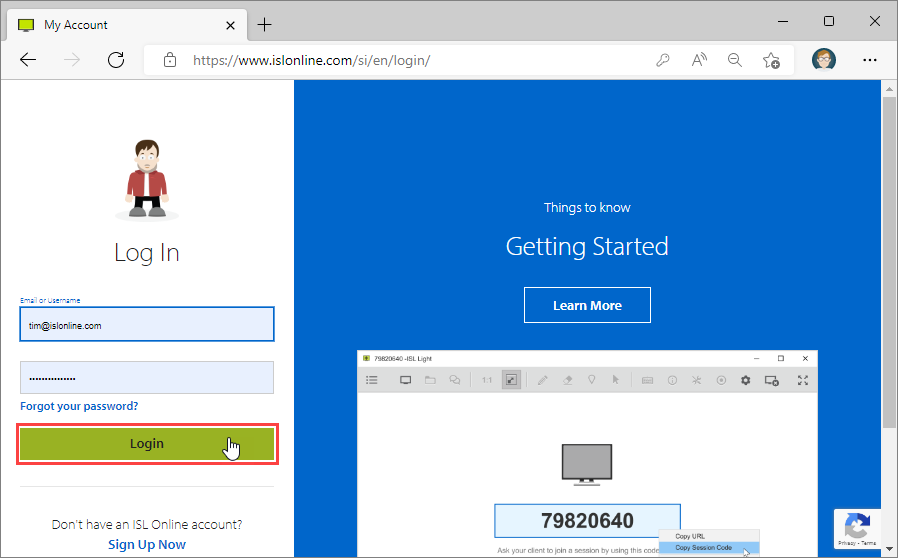
Enter your ISL Online username and password in the provided space and click "Log In" button.
Step 3

Select "Computers" from the sidebar and click on the arrow next to the Connect button. Select "Connect in Browser (beta)".
Step 4

A new browser tab opens with "ISL Light for Web (beta)" running. Enter "Access Password" of the remote computer and click "Connect".
Step 5

You are now connected and can control the remote machine.